Beta · Chrome and Firefox · Mac and Windows coming
Your prompt library,
everywhere you write.
Your clipboard holds one thing and forgets it the moment you copy something else. Phrasery keeps the good text, sorted, ready to drop back in wherever you need it.
No account needed to start · Safari on the way
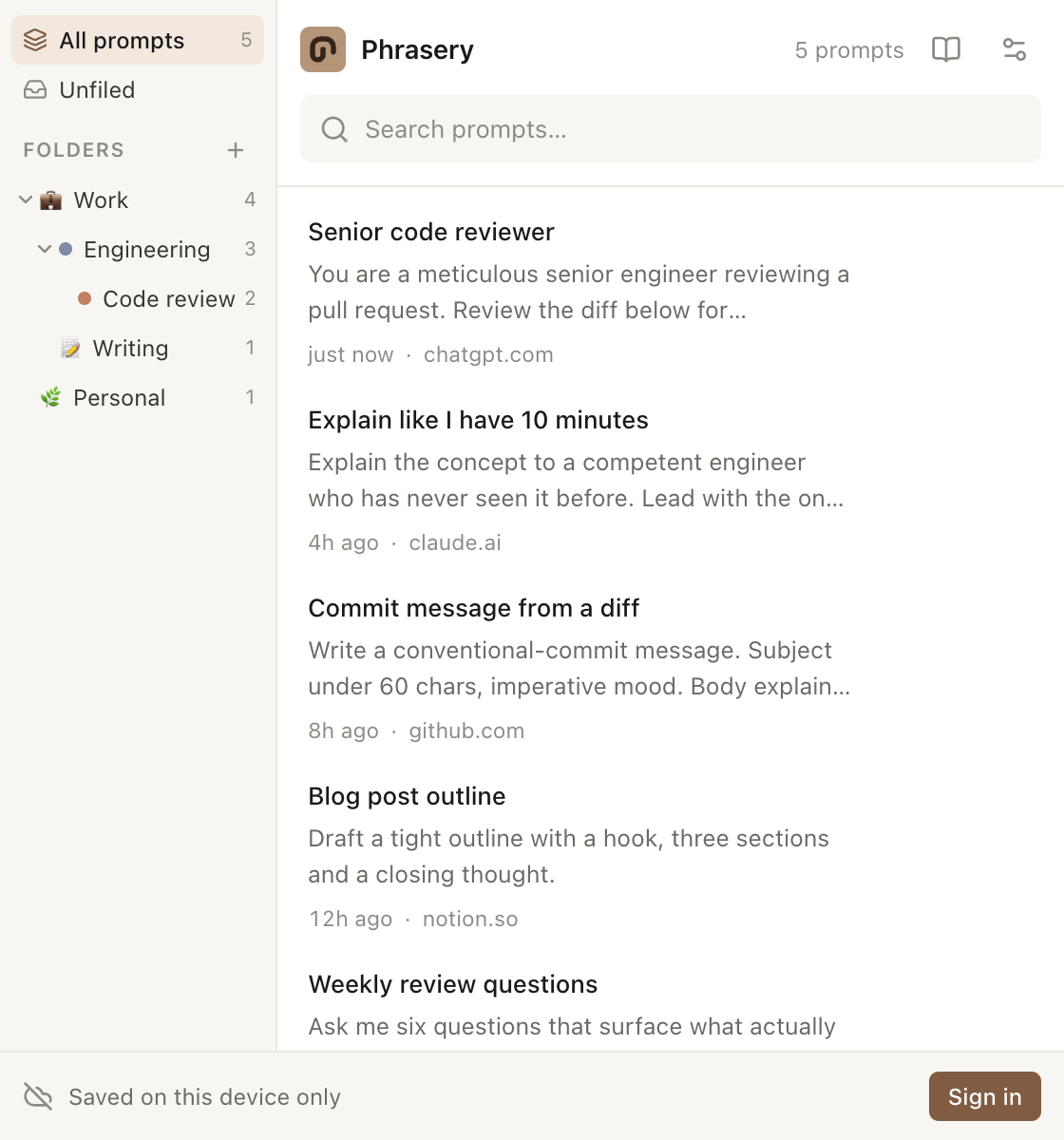
Three steps, then it's a habit.
Select and right-click
Highlight text worth keeping, choose Save to Phrasery. It's filed before you've finished reading the sentence.
File it properly
Drop it in a folder, nest as deep as you like, add tags, fix the title the auto-capture guessed.
Use it again
Right-click any text box and insert it straight at your cursor. Your folders show up as the menu.
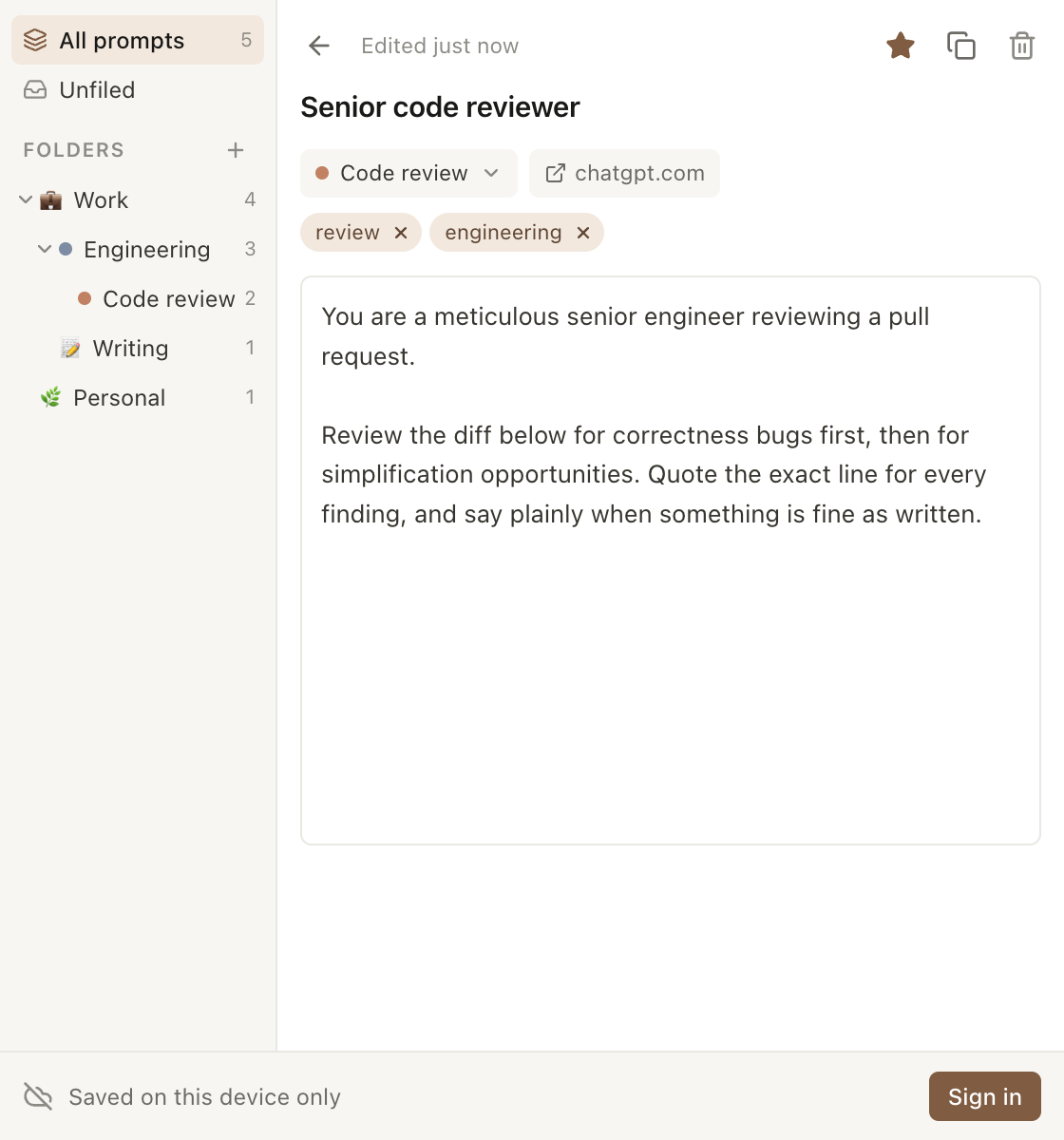
Edit in place
A captured prompt is a first draft.
Whatever you highlighted becomes the title, which is rarely what you want. Open it, rewrite it, tag it, move it — every change saves as you type.
- Autosaves while you type, no save button
- Tags, folders and favourites from one screen
- Keeps a link back to where you captured it
Built like a tool you'll actually keep open.
Folders that nest
Subfolders as deep as you want, with colours and icons. Delete a folder and the prompts inside move up — never vanish.
Edit in place
Rewrite the title, fix the body, add tags. Saves as you type, with no save button to remember.
Insert at the cursor
Works in the editors that fight you — ChatGPT, Claude, and anything else built on a rich text field.
Offline first
Everything lives on your device and keeps working with no connection. Sync is a layer on top, never a requirement.
Nothing tracked
No analytics, no ads, no reading pages in the background. It sees the text you select and nothing else.
A library to start from
Hundreds of ready-made prompts, grouped by task. Browse them and add the ones you want to your own library in a click.
Search that keeps up
Filter by folder, then search titles and bodies as you type. Finding beats remembering.
Seven themes
Follows your browser. Or doesn't.
Light and dark track your browser automatically. The rest are there because a tool you keep open all day should look like something you chose.
LightWarm and plain 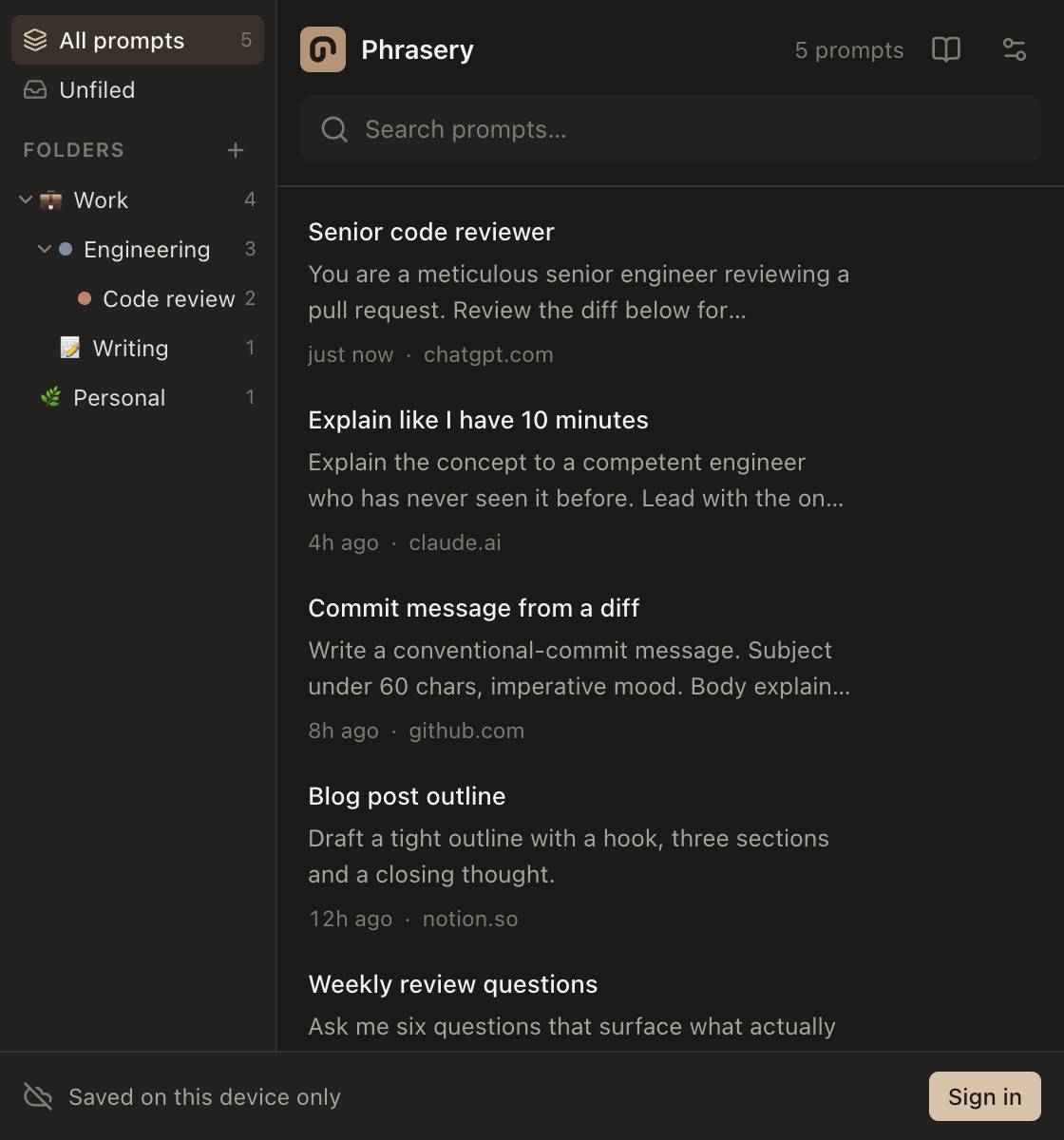
DarkWarm charcoal 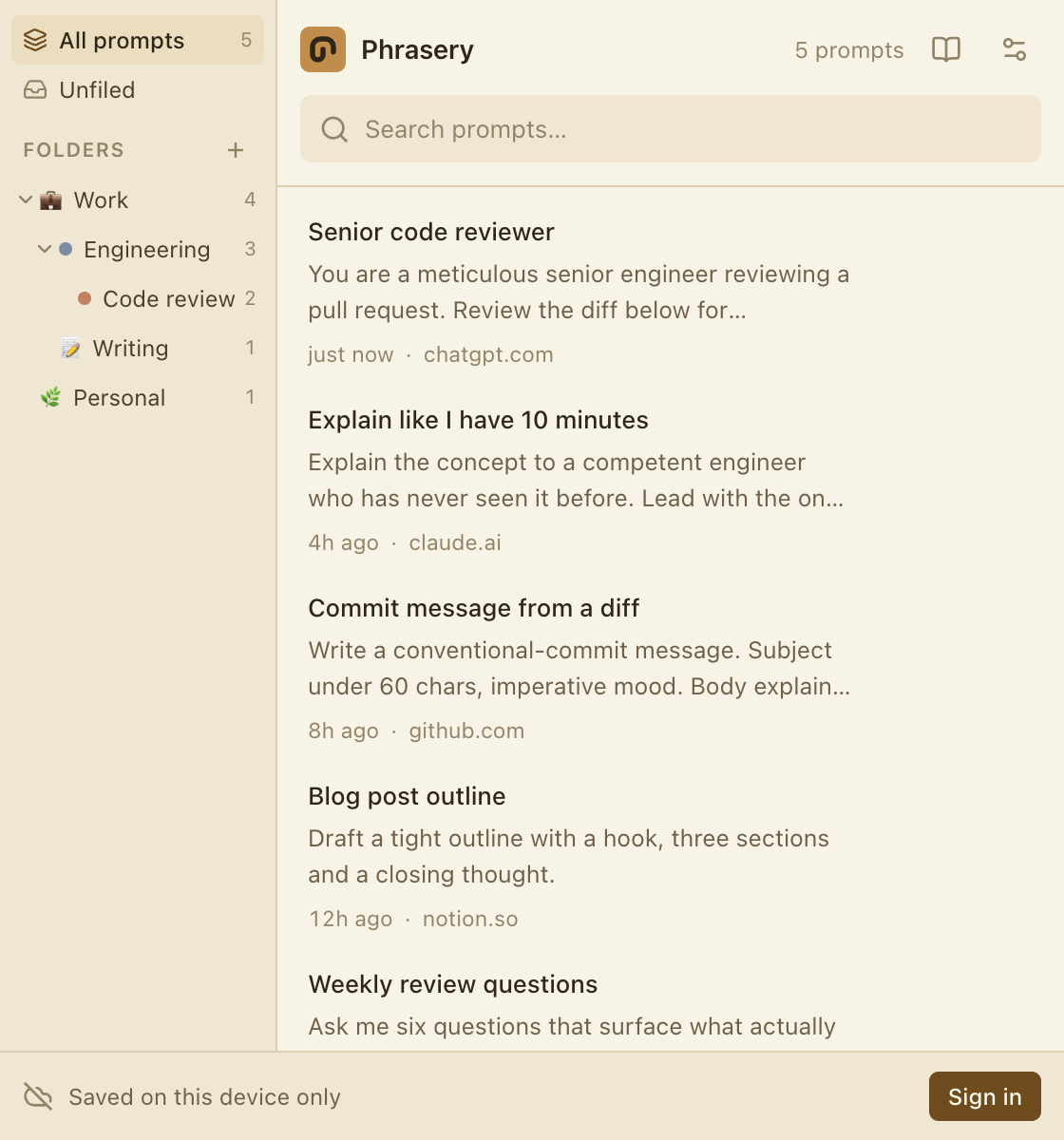
ParchmentOld paper 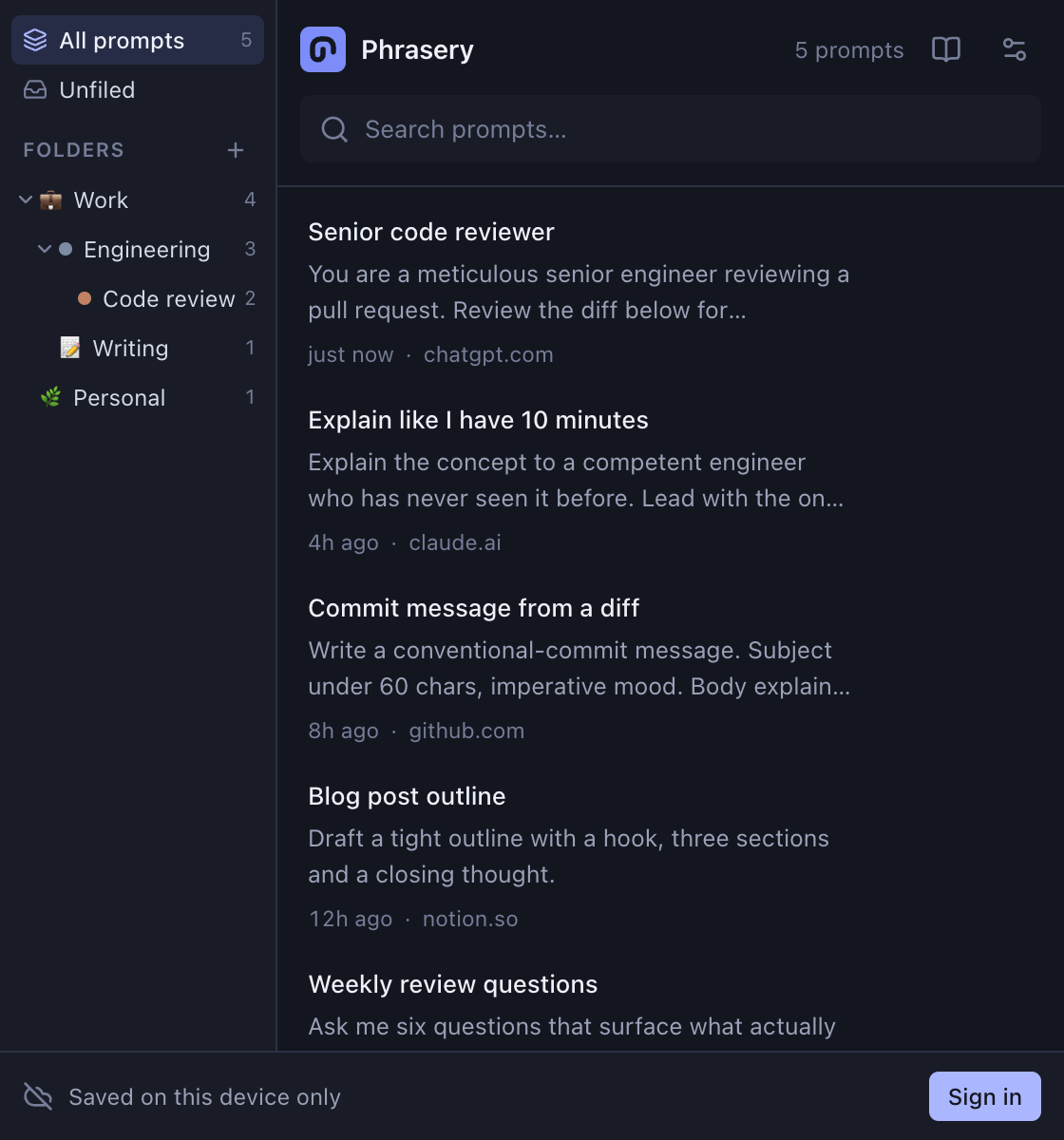
MidnightDeep indigo 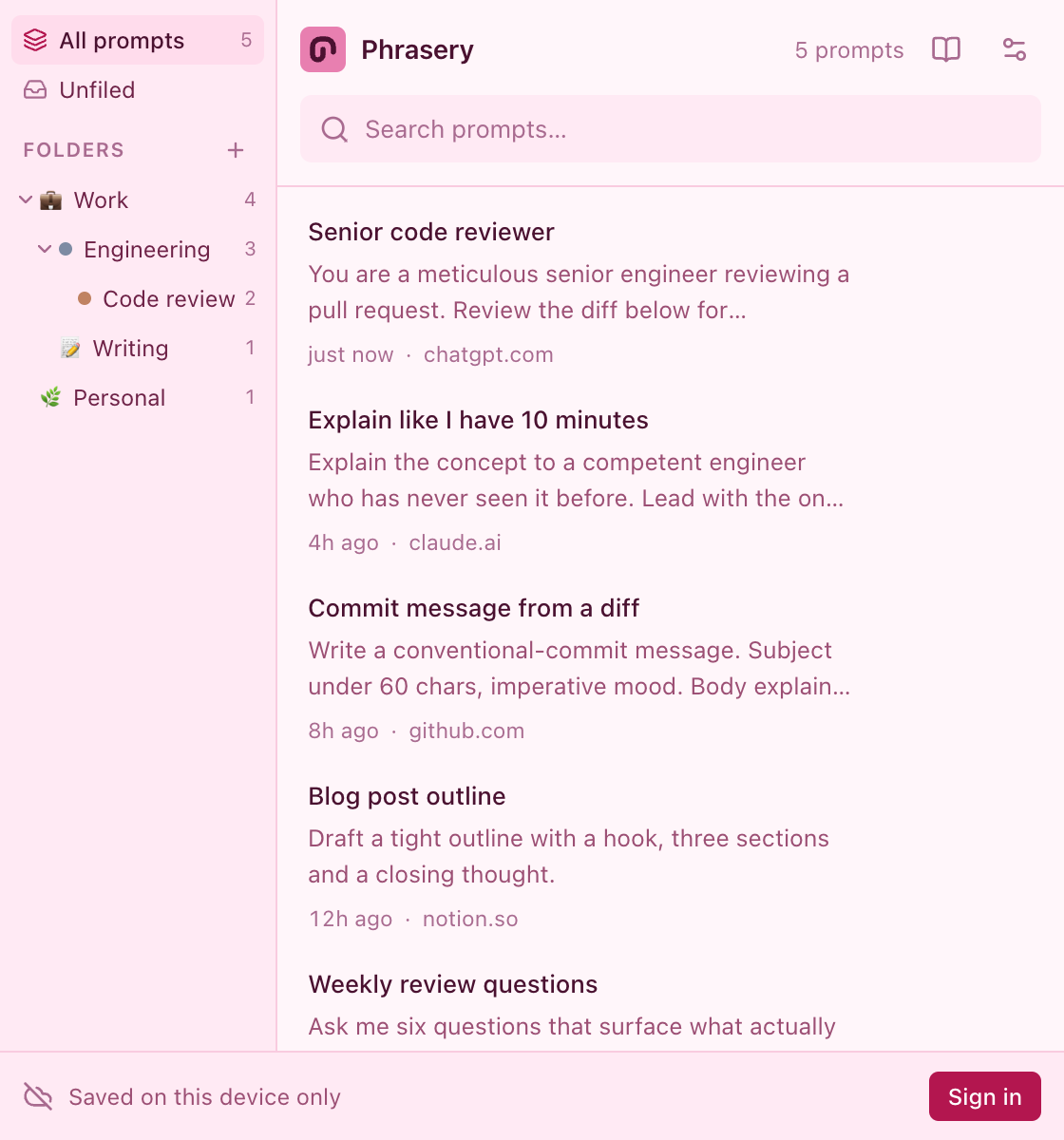
PrincessPink and sparkly 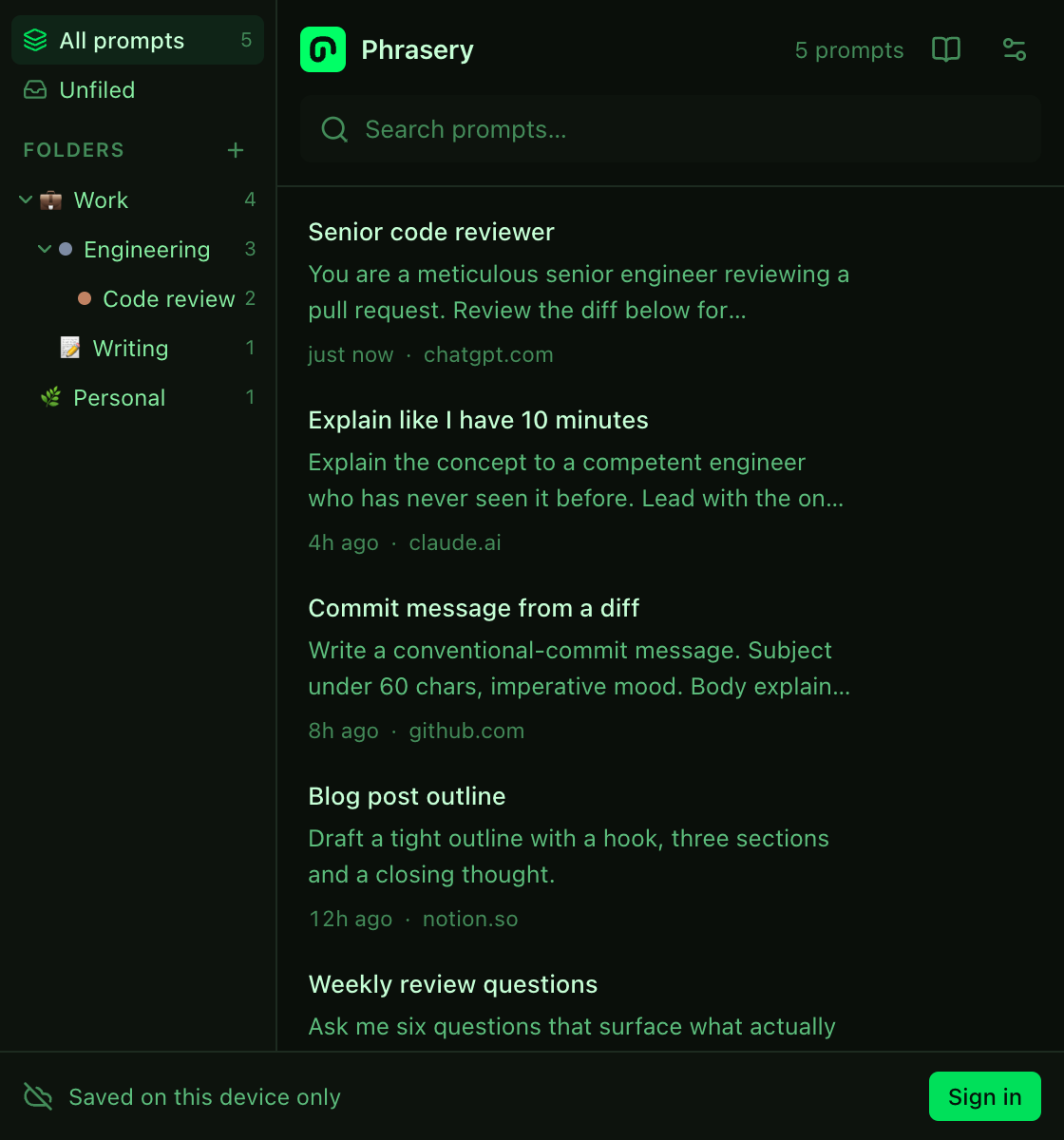
HackerTerminal green
Start with one prompt.
Install it, save the next good prompt you write, and see whether you reach for it again.
Add to your browser — free