Features
Everything Phrasery does.
Four things, really: catch a prompt, file it, fix it, use it again. The rest is making those four feel like nothing, and giving you 755 to start from.
Capture
Saving a prompt should take one gesture.
Select text anywhere — a chat reply, a doc, an email — right-click, and it's saved. No switching tabs, no pasting into another app, no losing your place.
- Works on any page, in any text you can select
- Remembers where it came from, so you can go back
- A quiet tick on the toolbar confirms it saved
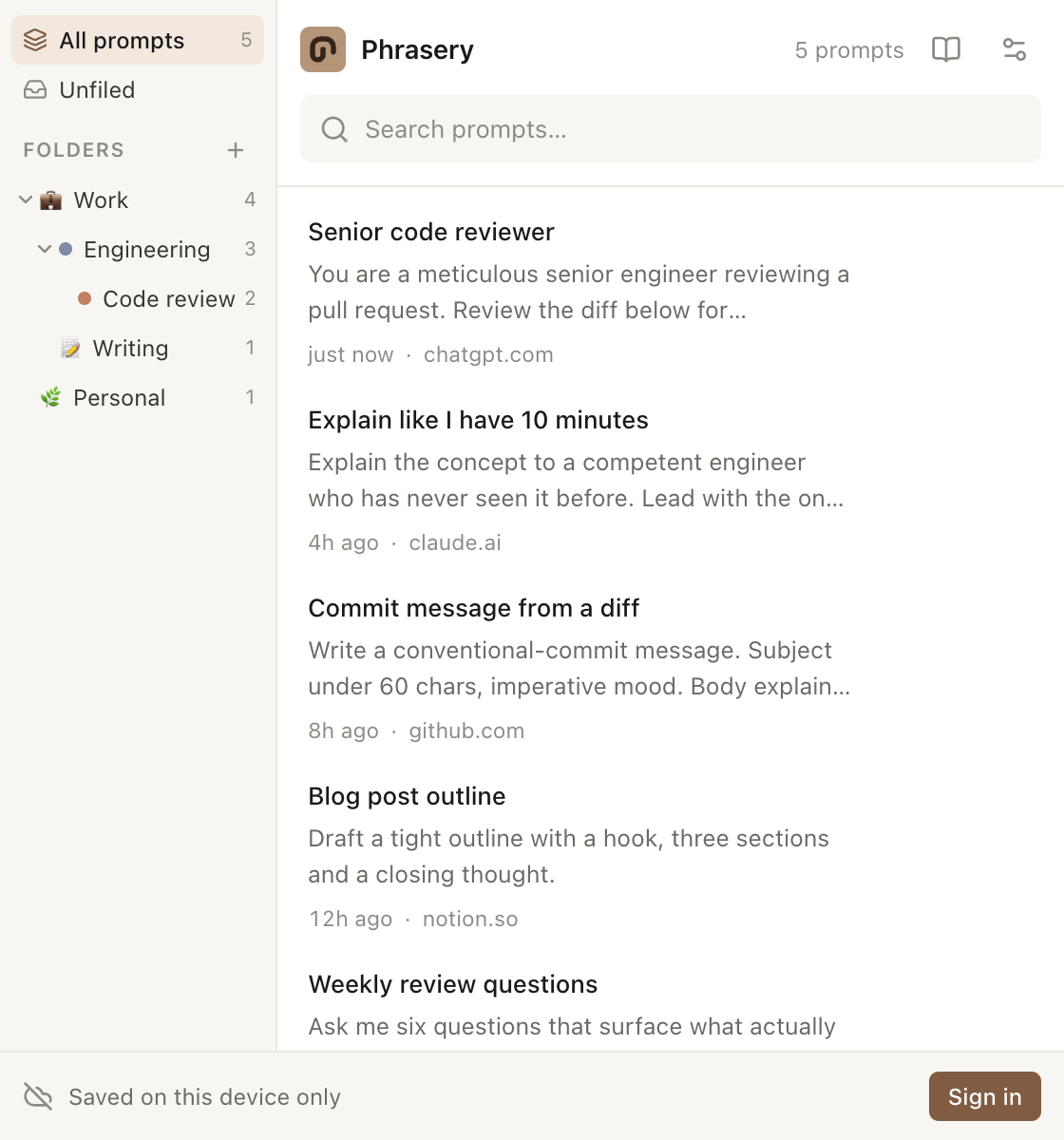
Organise
Folders that nest as deep as your head does.
Work, then Engineering, then Code review. Give each one a colour and an emoji so you recognise it at a glance rather than reading the list.
- Unlimited nesting, not just one level
- Counts roll up, so a parent shows everything beneath it
- Deleting a folder moves its prompts up — it never destroys them
Refine
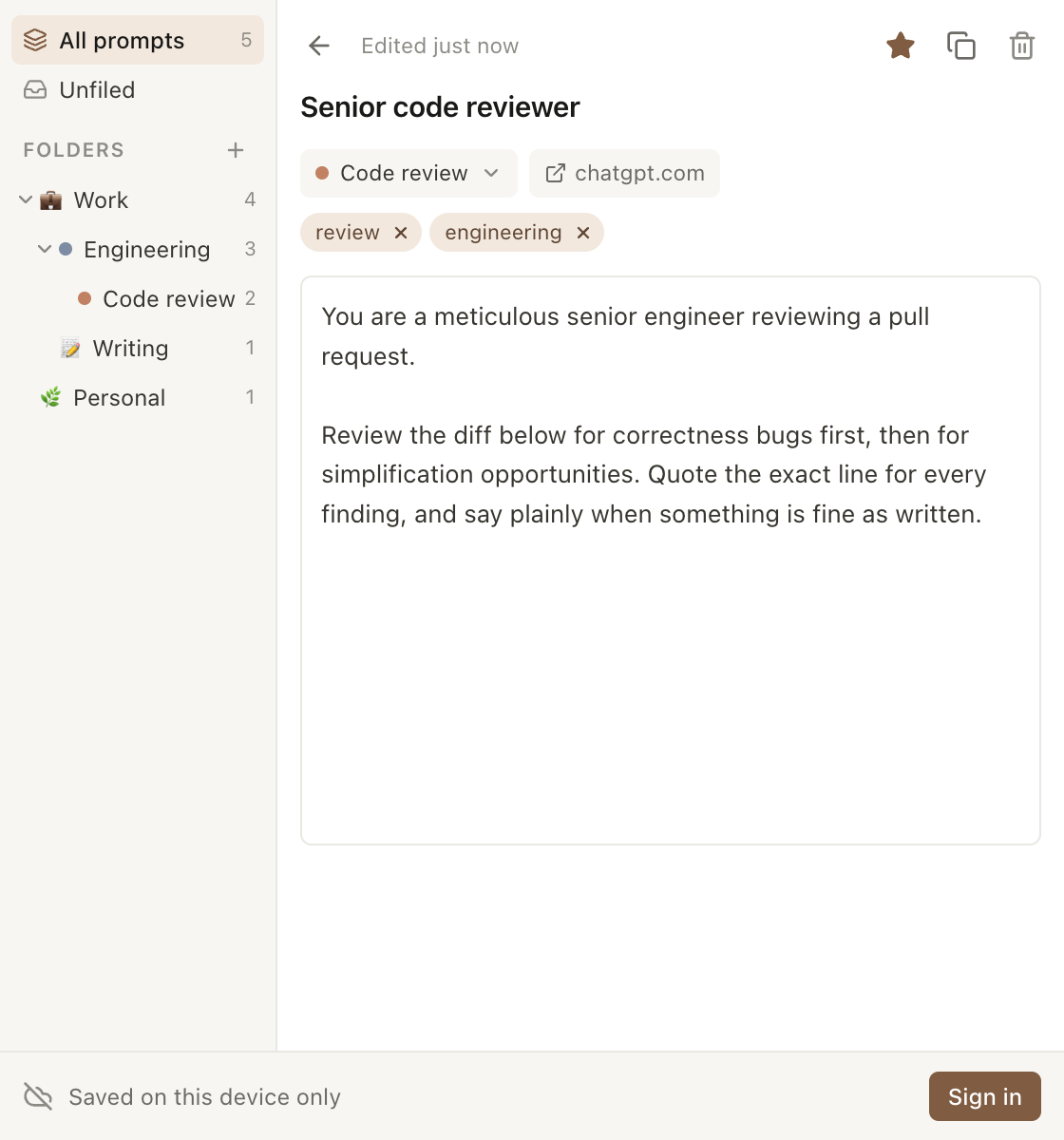
Whatever you highlighted is a first draft.
The capture guesses a title from your selection, and it's usually wrong. Open the prompt, rewrite it properly, tag it, and move it somewhere sensible.
- Autosaves as you type — there is no save button
- Tags, folder and favourite from the same screen
- Escape takes you straight back to the list
Reuse
Put it back without breaking your flow.
Right-click any text box and your folder tree appears as the menu. Pick a prompt and it lands at your cursor — in ChatGPT, Claude, or a plain email field.
- Your folders and subfolders become the menu structure
- Inserts at the cursor, keeping your undo history intact
- Works in rich editors that usually reject pasted text
Start with something
You do not begin with an empty box.
A prompt manager with nothing in it is a filing cabinet in an empty office. Browse a library of ready-made prompts from inside the extension and add any of them to your own in one click.
- Grouped by task, so you can find one without reading all of them
- Filter by length: a one-line instruction or a full procedure
- Added prompts become yours, editable and deletable like any other
Make it yours
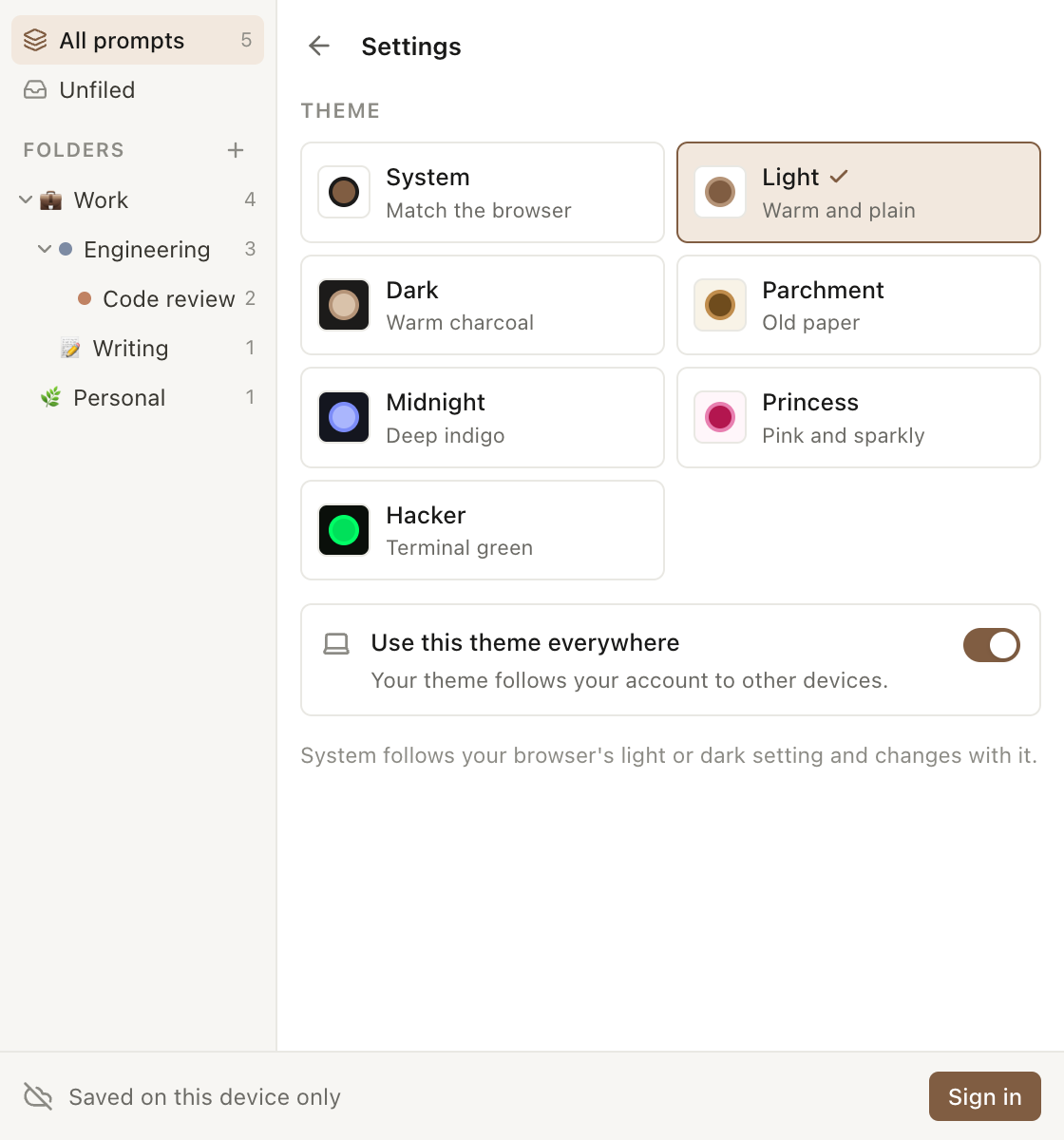
Seven themes, because you'll stare at this.
Light and dark follow your browser automatically. The rest exist because a tool you keep open all day should look like something you picked.
- System theme tracks your browser live
- Parchment, Midnight, Princess and Hacker for everything else
- Every theme is checked for contrast, so nothing is hard to read
How it behaves underneath.
Offline first
Your prompts live on your device. The interface never waits on the network, and everything works with no connection.
Sync when you want it
Sign in and your library follows you to another browser or machine. Stay signed out and nothing ever leaves the device.
No tracking
No analytics, no ads, no third-party scripts. The extension reads the text you select and nothing else.
Narrow permissions
It can only touch the tab you right-clicked, at the moment you right-click it — not every page you visit.
Deletes that stick
A deleted prompt is tombstoned so the deletion reaches your other devices, instead of reappearing on the next sync.
Storage that survives
Marked as persistent, so the browser can't quietly evict your library when disk space runs low.
A library to start from
Ready-made prompts, grouped by task and free to copy, both on the site and inside the extension.